SAMPLE AND DEMONSTRATION ONLY. Illustrative analysis of publicly available information, prepared by BI Consulting Services. Not affiliated with, endorsed by or produced for any company shown.
Demonstration · Illustrative data · BI Consulting Services
Jacobs × BI Consulting Services
Prepared for Jonathan · Facilities & Maintenance reporting team
September 2026 · Power BI Jump-Start concept

Maintenance Operations Board — Maintenance Connection work orders, PM compliance and technician capacity, in one governed Power BI model

An illustration of what a single governed dataset fed from the Maintenance Connection CMMS API (15 tables) could put in front of the O&M team: backlog and aging by site, PM compliance, MTTR, asset criticality and crew utilisation — sliced by region, work-order type and fiscal period.

Model refreshed — · —

Work orders opened vs closed, with month-end backlog

Monthly volumes for the selected scope. Backlog line = open work orders at month end.

OpenedClosedMonth-end backlog

Facility portfolio map — buildings sized by asset count, coloured by open work orders per 100 assets

Twelve illustrative managed facilities across three regions. Lime ring = site above the 15-per-100 backlog threshold.

Backlog aging by site

Open work orders at period end, split by age bucket. Sorted by total open.

0–7 d8–30 d31–90 d90+ d

Asset criticality × backlog age

Open work orders by asset criticality class (from the Maintenance Connection asset table) and days open.

Technician utilisation by trade

Labour hours booked to work orders ÷ available hours. Amber line = 90% ceiling.

Ask the data

Natural-language layer on the same governed model — a typed question, an answer with the numbers, and the visual it came from.

Which sites have emergency work orders open for more than a week, and is our response time getting better or worse?↵
Emergency MTTR · hours

Governance strip — the Jump-Start layer

Workspace, dataset and refresh health for the scope selected; the part of the engagement that keeps the numbers above trustworthy.
Also from BI Consulting Services

Private AI on your own server

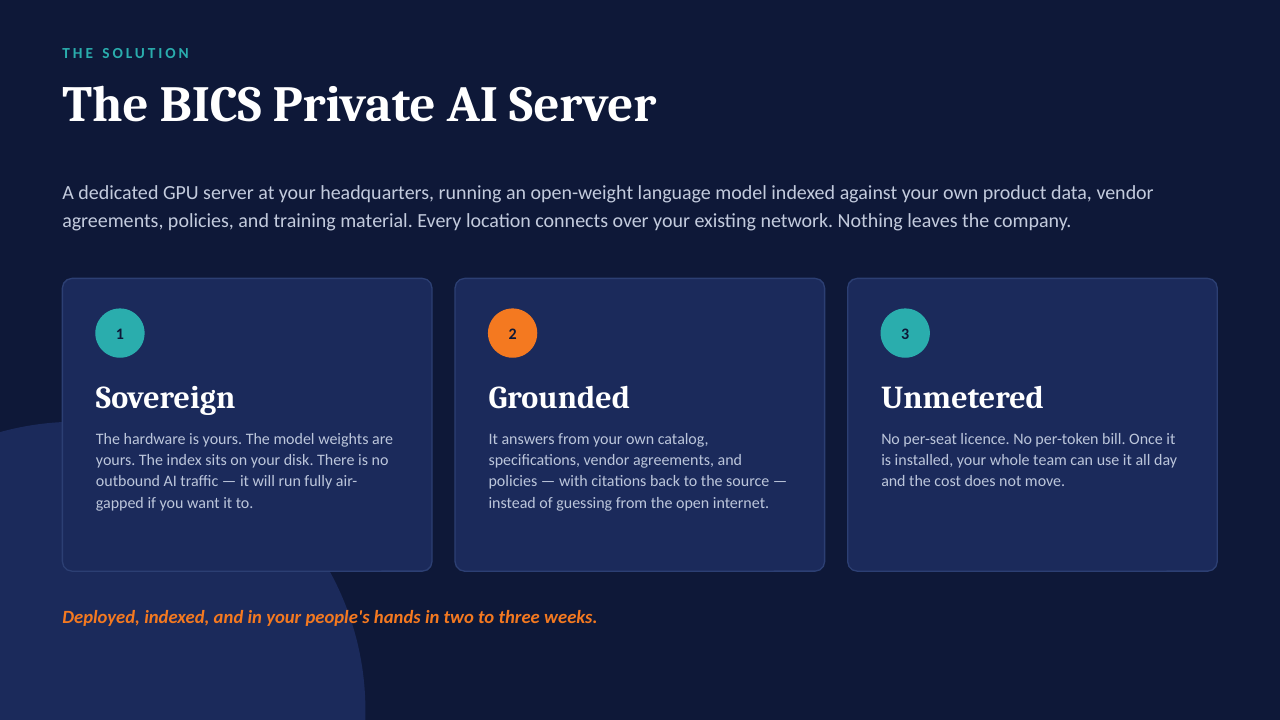
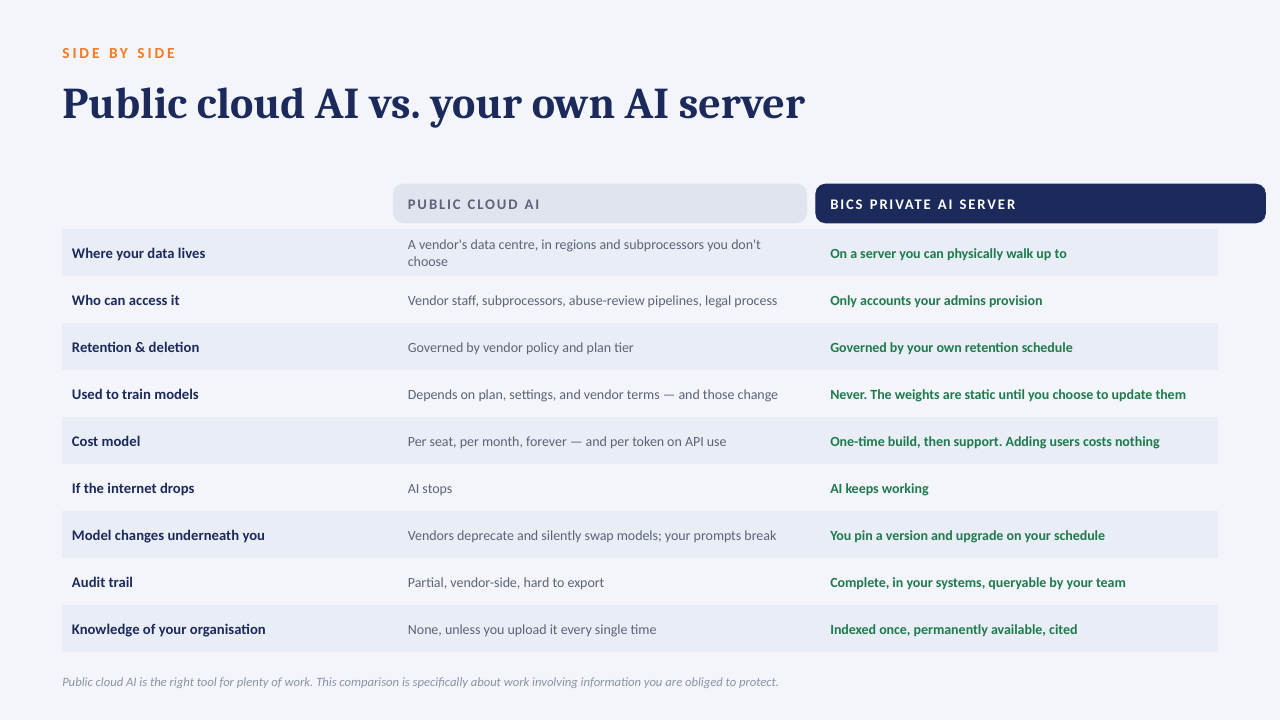
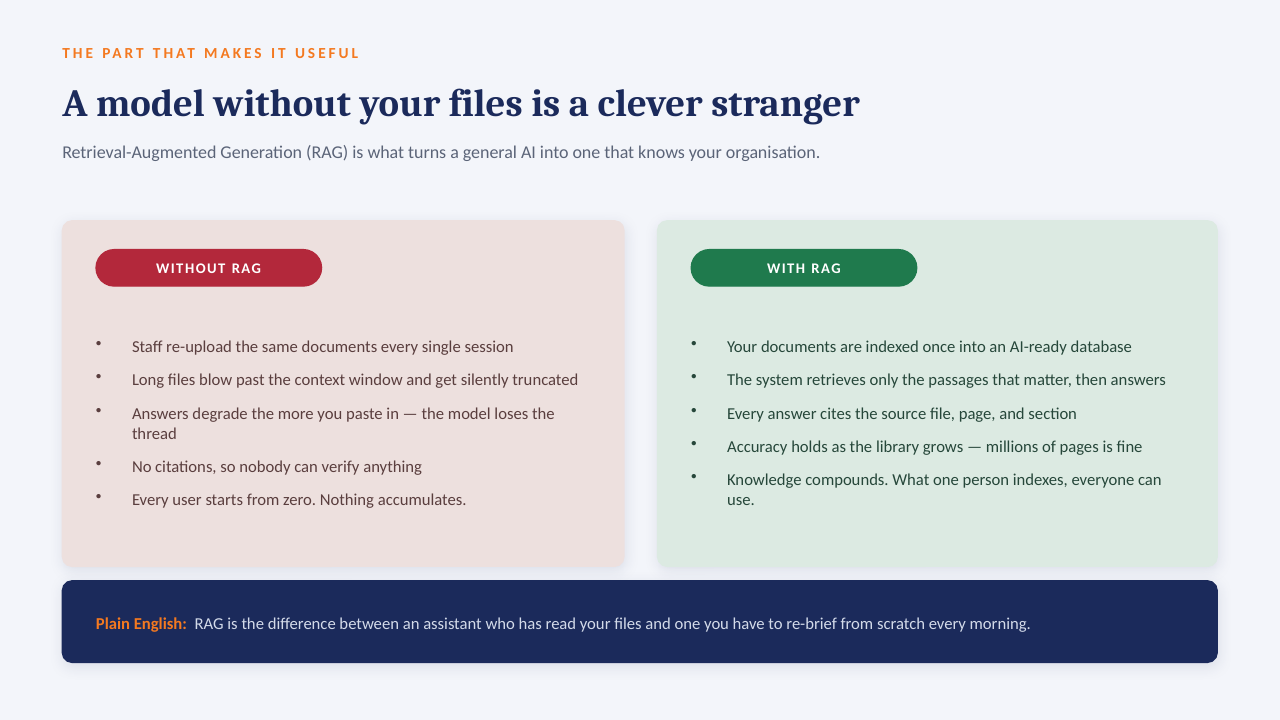
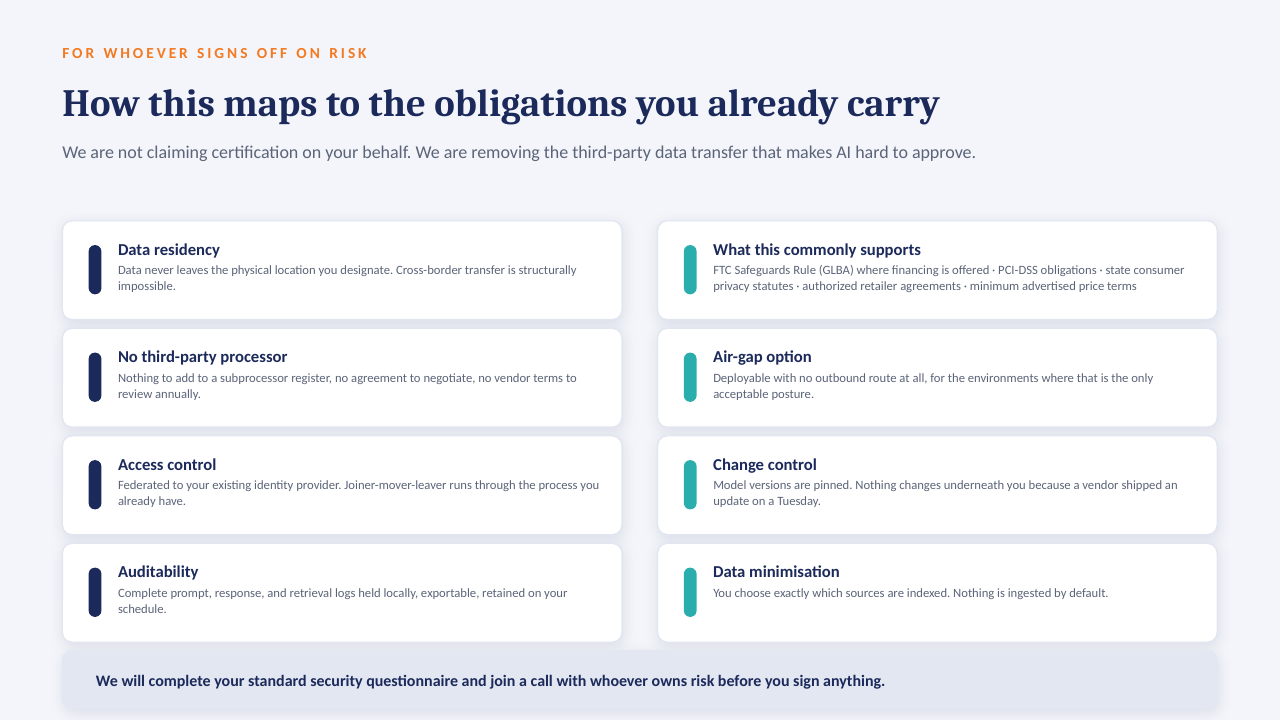
The "ask the data" panel above is built to run on a GPU server inside your own network: an open-weight model over your own documents, with every answer citing the file it came from. No per-seat licence, works offline, and nothing leaves the building.

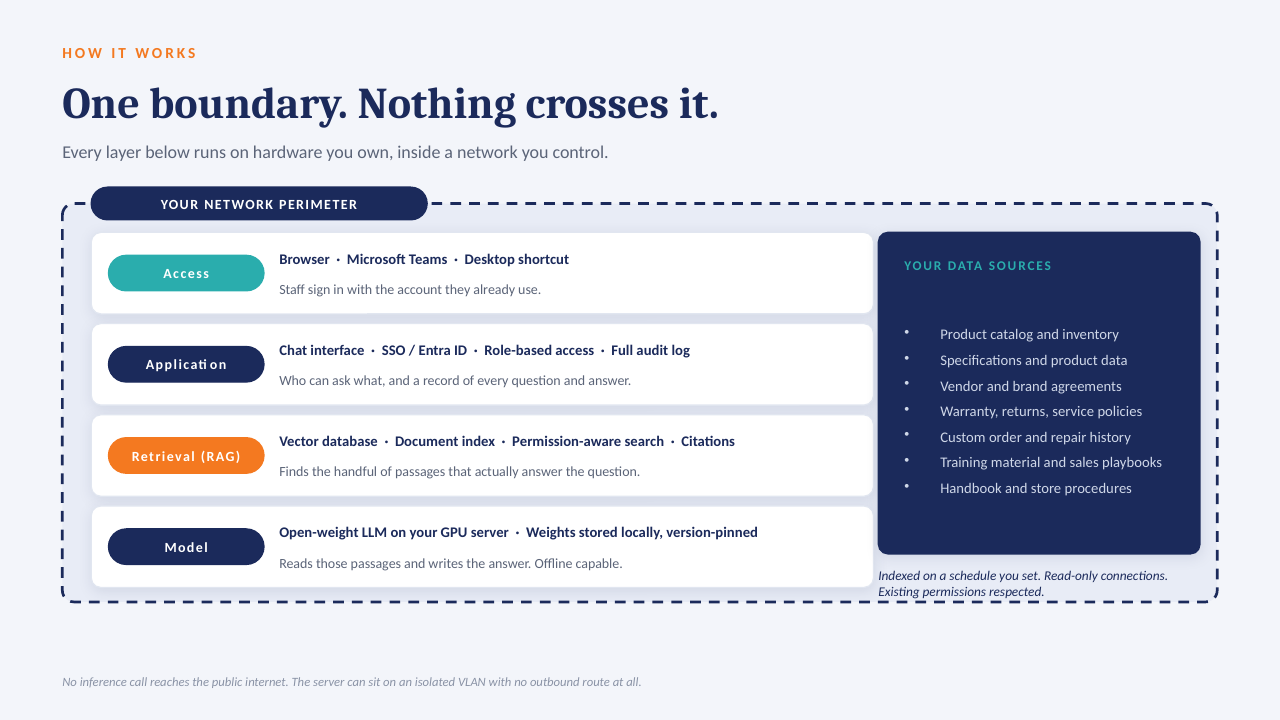
How it sits in your environment

YOUR NETWORK · NOTHING LEAVES THE BUILDING Your files policies · SOPs · contracts reports · ERP exports indexed locally GPU One server, in your building open-weight model · your data only in seconds Cited answers every reply links to the source file and page no cloud AI · no third-party processor
One appliance-class server on your rack or in a secured closet. Your files are indexed where they already live; the model runs locally; answers come back with the source page attached.

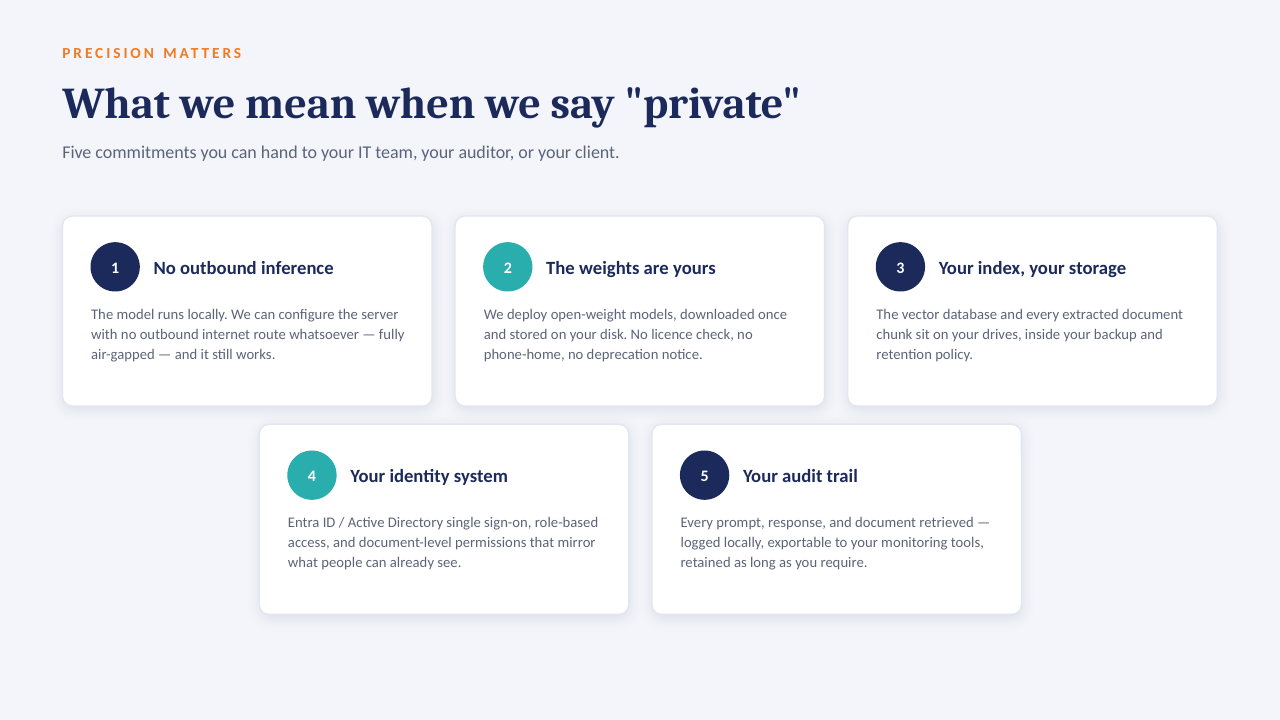
What that means in practice

  1. 1
    Your data only, on your hardwareAn open model over your own documents and exports. No third-party AI processor, no data-transfer agreement to review.
  2. 2
    Every answer cites its sourceReplies point to the file and page they were drawn from, so people check the answer instead of trusting it blind.
  3. 3
    No per-seat licenceThe whole team can ask questions. Cost is the server and our build, not a monthly number that grows with headcount.
  4. 4
    Works offlineIf the internet connection goes down, the answers still come. Nothing depends on a vendor's uptime or pricing changes.

The short deck

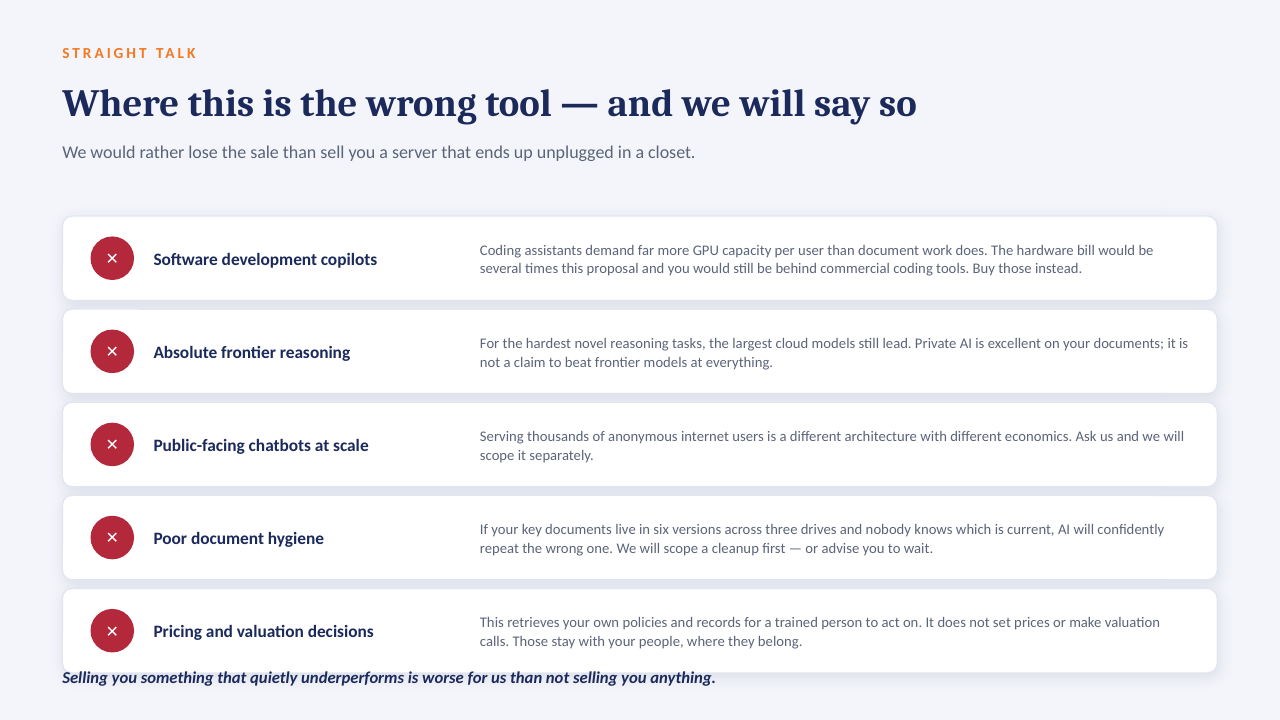
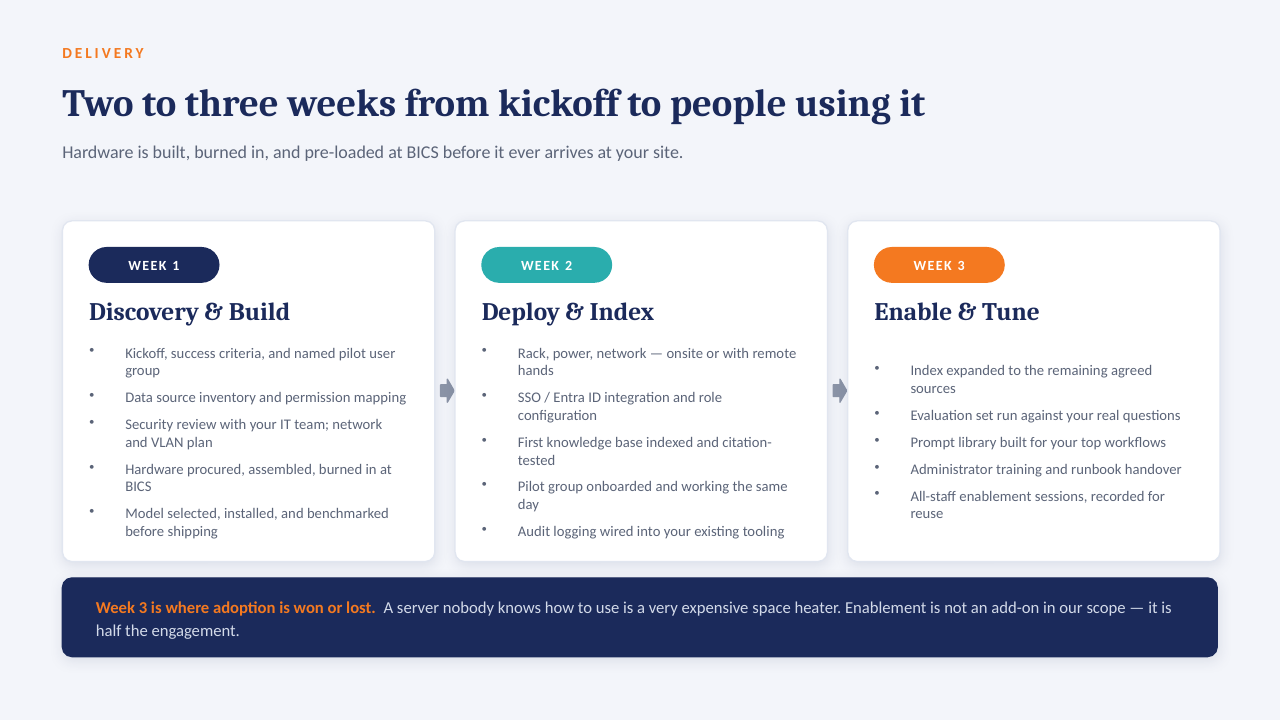
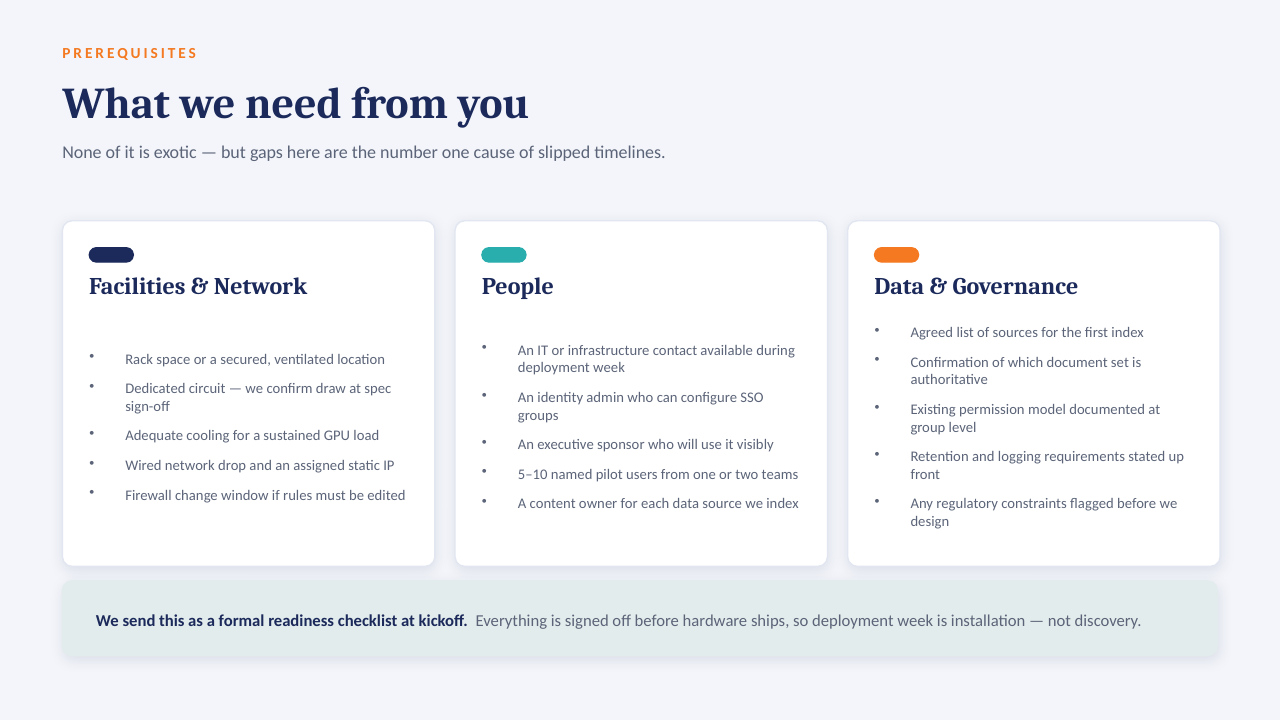
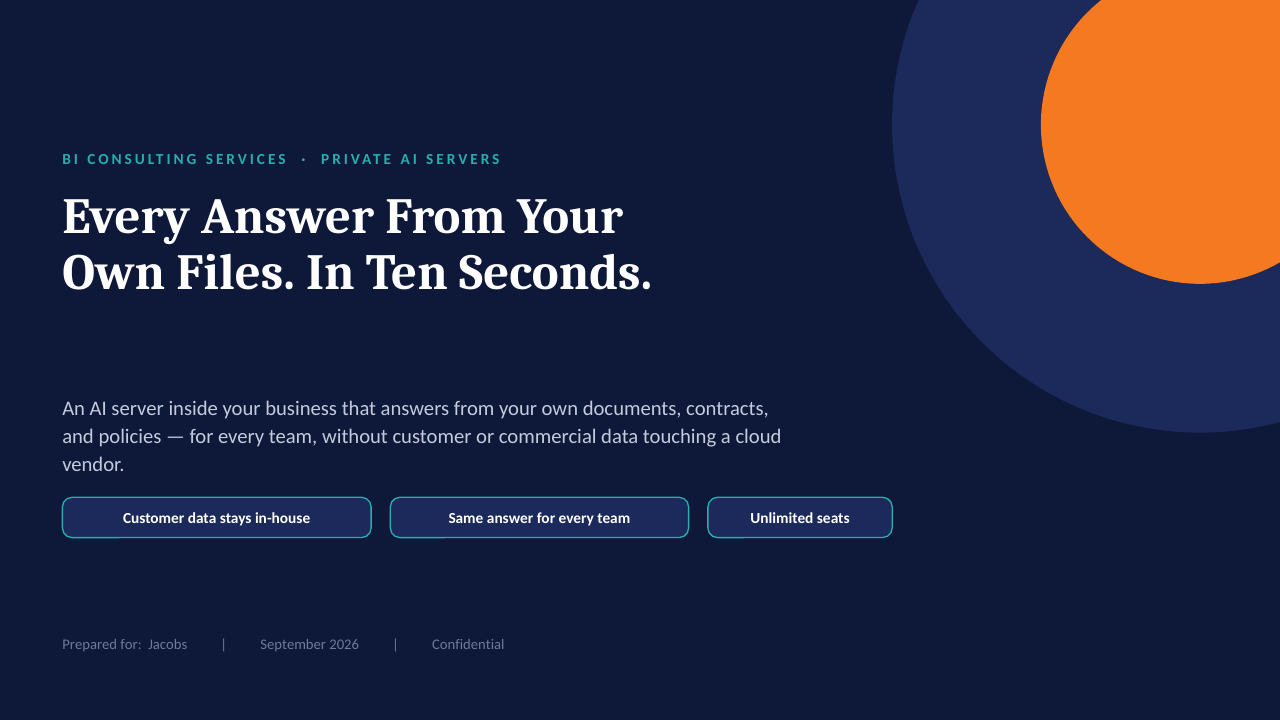
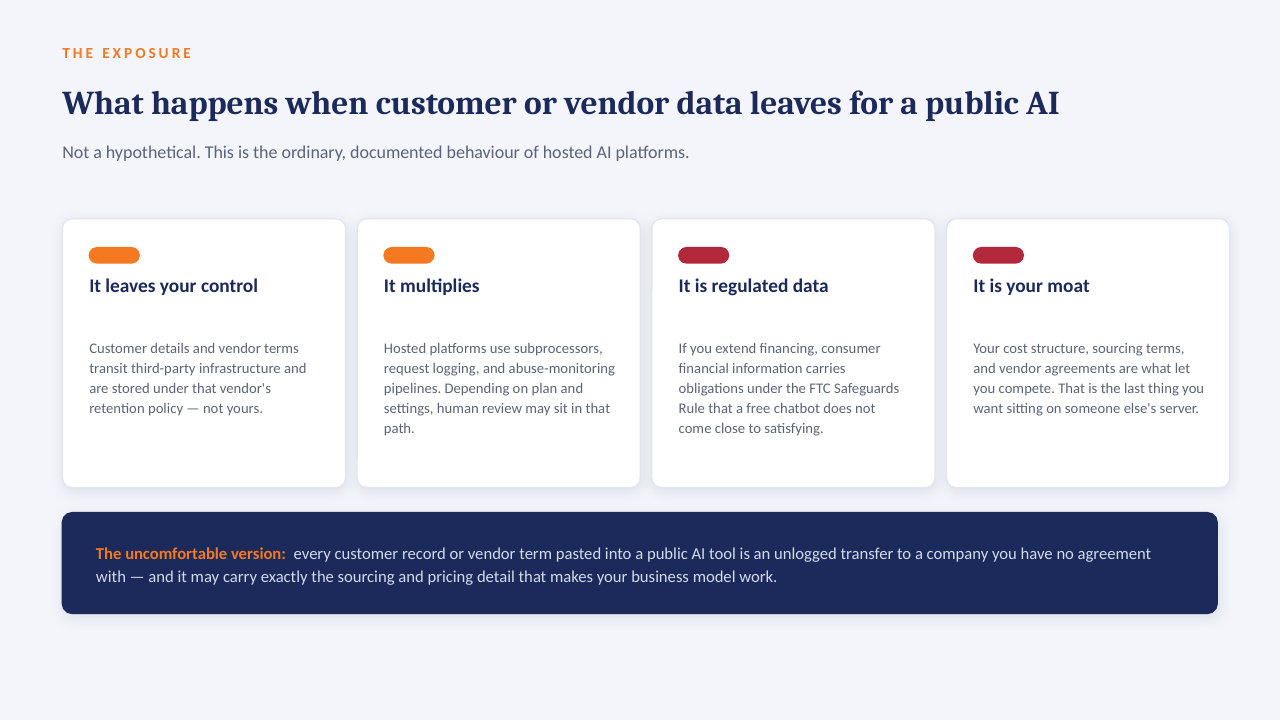
14 slides on how a private AI server is scoped, secured and rolled out. Click through, or take the PDF.

Download the PDF
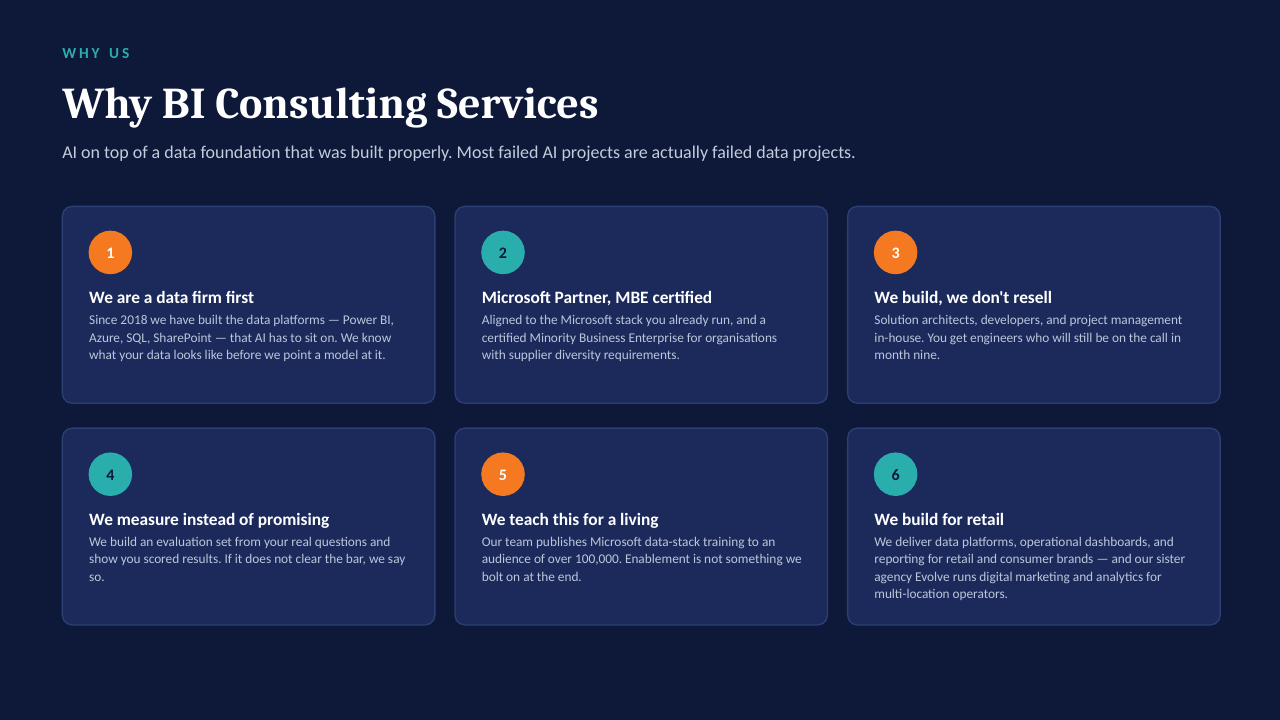
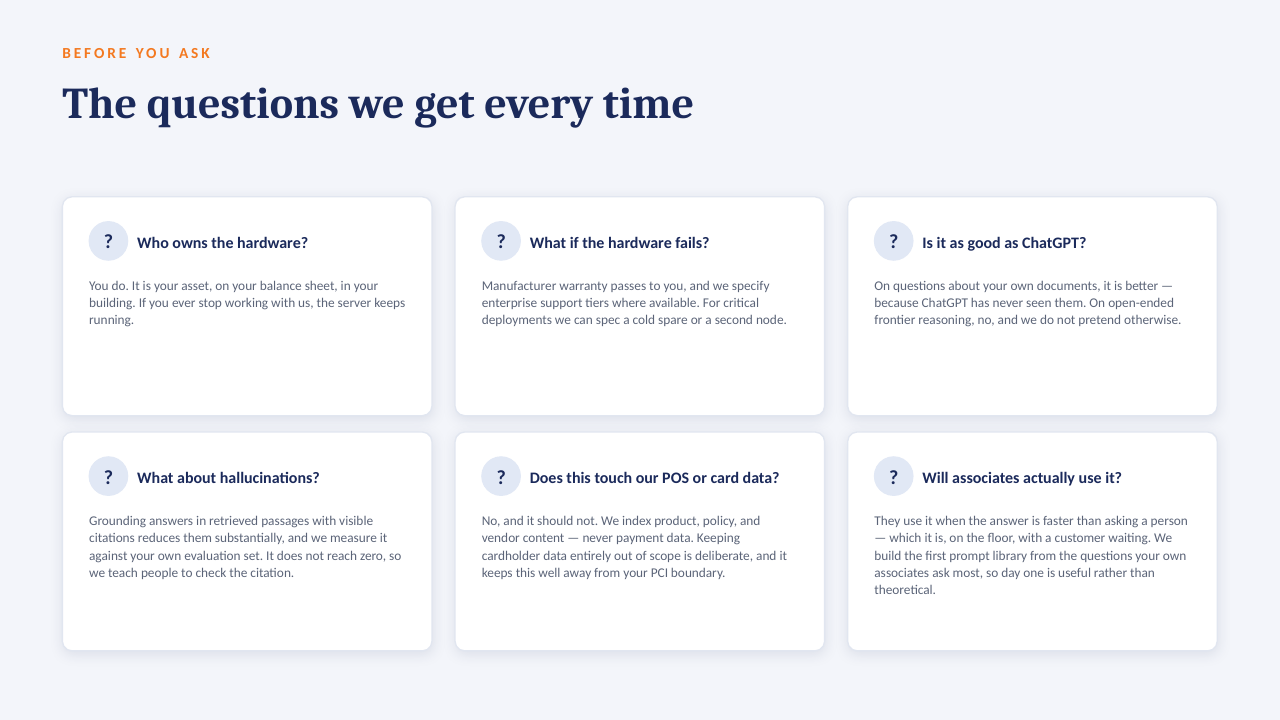
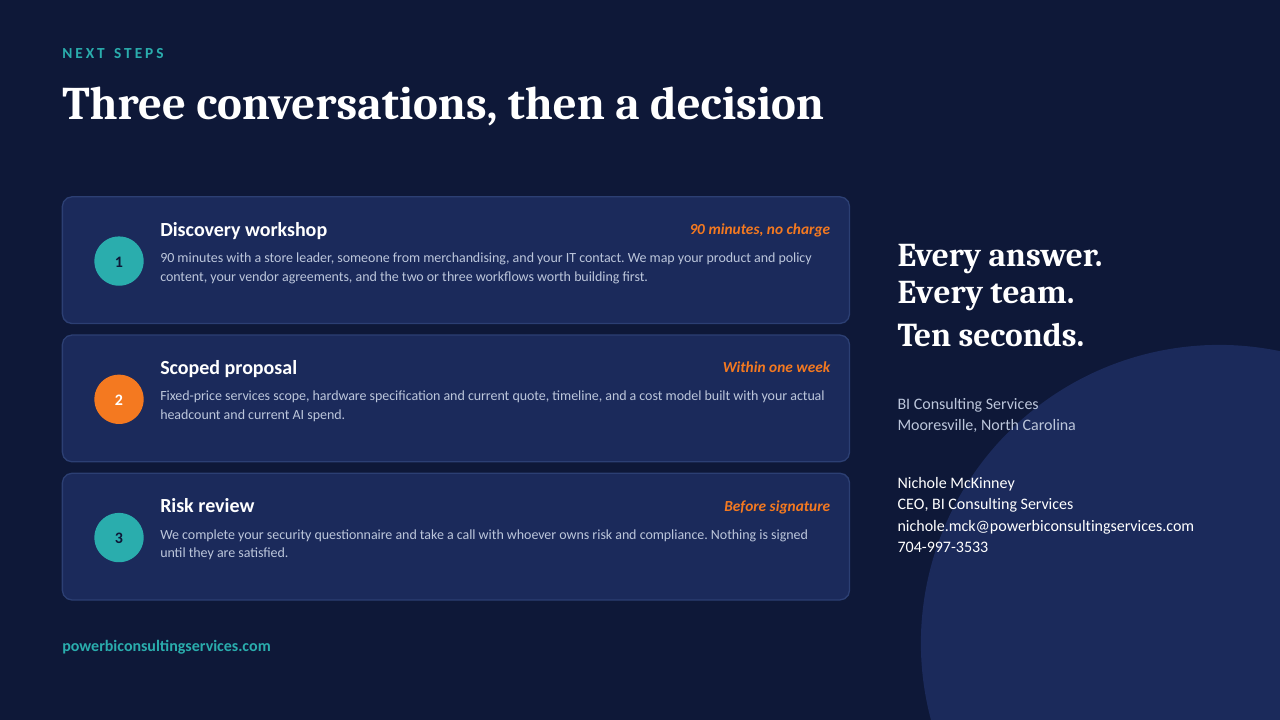
Private AI on your own server — slide 1 of 14 Private AI on your own server — slide 2 of 14 Private AI on your own server — slide 3 of 14 Private AI on your own server — slide 4 of 14 Private AI on your own server — slide 5 of 14 Private AI on your own server — slide 6 of 14 Private AI on your own server — slide 7 of 14 Private AI on your own server — slide 8 of 14 Private AI on your own server — slide 9 of 14 Private AI on your own server — slide 10 of 14 Private AI on your own server — slide 11 of 14 Private AI on your own server — slide 12 of 14 Private AI on your own server — slide 13 of 14 Private AI on your own server — slide 14 of 14
1 / 14Tap or click a slide to advance · arrow keys work too

Worth a conversation? Book 30 minutes with NicholeBI Consulting Services · powerbiconsultingservices.com